Decision supported
Compare seasonal storytelling without rebuilding a scene, helping architecture, interior, landscape, and marketing teams align on environmental mood earlier.

ARK AI DESIGN SKILL · AI seasonal environment
Compare seasonal storytelling without rebuilding a scene, helping architecture, interior, landscape, and marketing teams align on environmental mood earlier.
The demo could not be loaded. The preview and page remain available.
Capability
Compare seasonal storytelling without rebuilding a scene, helping architecture, interior, landscape, and marketing teams align on environmental mood earlier.
The model creates seasonal cues from visible plants, sky, ground, and indoor-outdoor light; it does not know the real location, species, climate, or capture date. The result is a visual mood proposal, not a claim about phenology, weather, solar performance, planting survival, or the real project view.
Compare seasonal storytelling without rebuilding a scene, helping architecture, interior, landscape, and marketing teams align on environmental mood earlier.
The model creates seasonal cues from visible plants, sky, ground, and indoor-outdoor light; it does not know the real location, species, climate, or capture date.
Upload one space image and choose a seasonal atmosphere from the production tags before generation.
The result is a visual mood proposal, not a claim about phenology, weather, solar performance, planting survival, or the real project view.
Prepare the input
Clear source material and an explicit design objective give the model better evidence to work from. Use these checks before generation.
one space image with a clear window view, terrace, or exterior setting Use an image where indoor-outdoor boundaries, sky, and vegetation are visible, and avoid blown-out windows.
Upload space image, Seasonal atmosphere
Upload one space image and choose a seasonal atmosphere from the production tags before generation.
The result is a visual mood proposal, not a claim about phenology, weather, solar performance, planting survival, or the real project view.
How to use
Keep the first pass exploratory, compare alternatives, then carry the selected direction into the rest of the project.
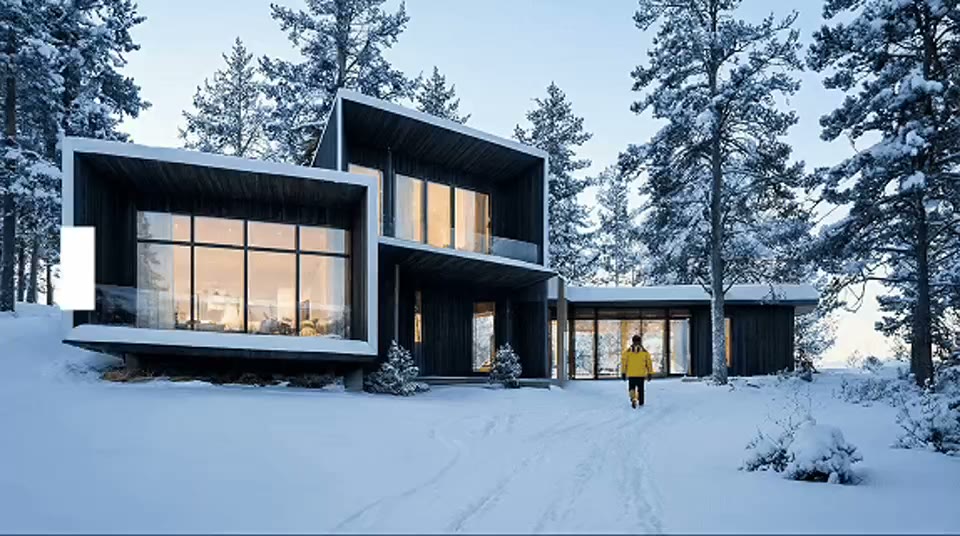
Use an image where indoor-outdoor boundaries, sky, and vegetation are visible, and avoid blown-out windows. Prepare these inputs: Upload space image. Include optional inputs when needed.
Set Seasonal atmosphere for this task, then confirm before generating.
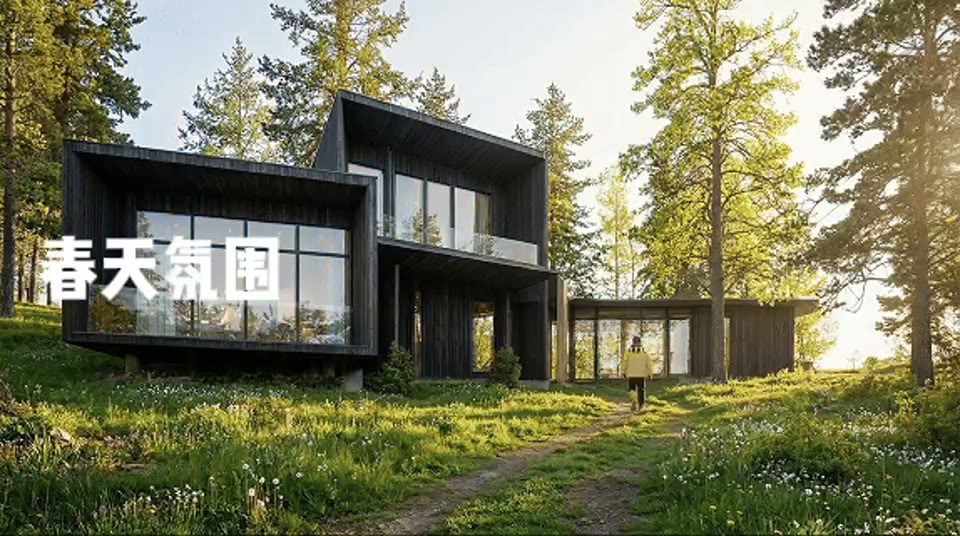
Upload one space image and choose a seasonal atmosphere from the production tags before generation. an environment image reflecting the selected season, weather, and light The result is a visual mood proposal, not a claim about phenology, weather, solar performance, planting survival, or the real project view.
Official skill demo
This example is published for this exact skill. It is shown as one complete official reference, not as an independently verified input/output pair or a promised result for your upload.
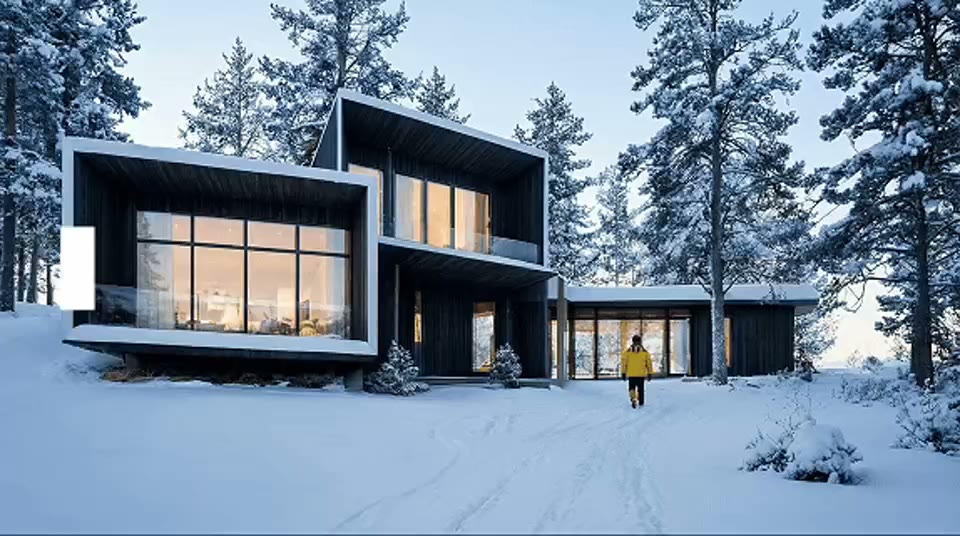
What the AI reads
The model creates seasonal cues from visible plants, sky, ground, and indoor-outdoor light; it does not know the real location, species, climate, or capture date.
The result is a visual mood proposal, not a claim about phenology, weather, solar performance, planting survival, or the real project view.
Practical guidance
Use an image where indoor-outdoor boundaries, sky, and vegetation are visible, and avoid blown-out windows.
Upload space image, Seasonal atmosphere
Compare seasonal storytelling without rebuilding a scene, helping architecture, interior, landscape, and marketing teams align on environmental mood earlier.
The result is a visual mood proposal, not a claim about phenology, weather, solar performance, planting survival, or the real project view.
Where it helps
Use an environment image reflecting the selected season, weather, and light to support seasonal architecture reviews while retaining the stated review boundary.
Use an environment image reflecting the selected season, weather, and light to support landscape mood comparisons while retaining the stated review boundary.
Use an environment image reflecting the selected season, weather, and light to support property marketing directions while retaining the stated review boundary.
Use an environment image reflecting the selected season, weather, and light to support interior window-view studies while retaining the stated review boundary.
Workflow comparison
AI speeds up visual exploration, while established professional workflows remain responsible for verified facts and final delivery.
| Decision point | AI Seasonal Environment | Conventional workflow |
|---|---|---|
| Input | one space image with a clear window view, terrace, or exterior setting | Verified project files and production data |
| Iteration | Generate and compare a visual direction quickly | Build and revise each option through the relevant specialist workflow |
| Evidence | The model creates seasonal cues from visible plants, sky, ground, and indoor-outdoor light; it does not know the real location, species, climate, or capture date. | Dimensions, specifications, source files, and professional review |
| Output role | an environment image reflecting the selected season, weather, and light | A verified deliverable for approval or production |
The result is a visual mood proposal, not a claim about phenology, weather, solar performance, planting survival, or the real project view.
FAQ
one space image with a clear window view, terrace, or exterior setting Use an image where indoor-outdoor boundaries, sky, and vegetation are visible, and avoid blown-out windows.
Upload space image, Seasonal atmosphere
This section uses the production skill’s official demo and official cover to explain the interaction and capability range. The cover is not a user-uploaded source and the media is not presented as a strictly matched before-and-after pair.
The result is a visual mood proposal, not a claim about phenology, weather, solar performance, planting survival, or the real project view.
Ark AI
Start with real project material, compare a few directions, and keep developing the selected result in the Ark AI canvas.