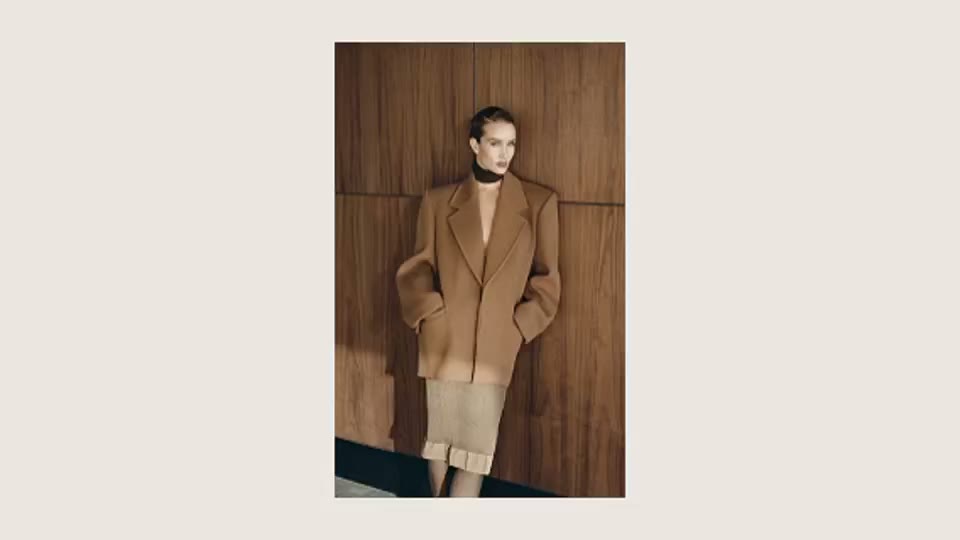
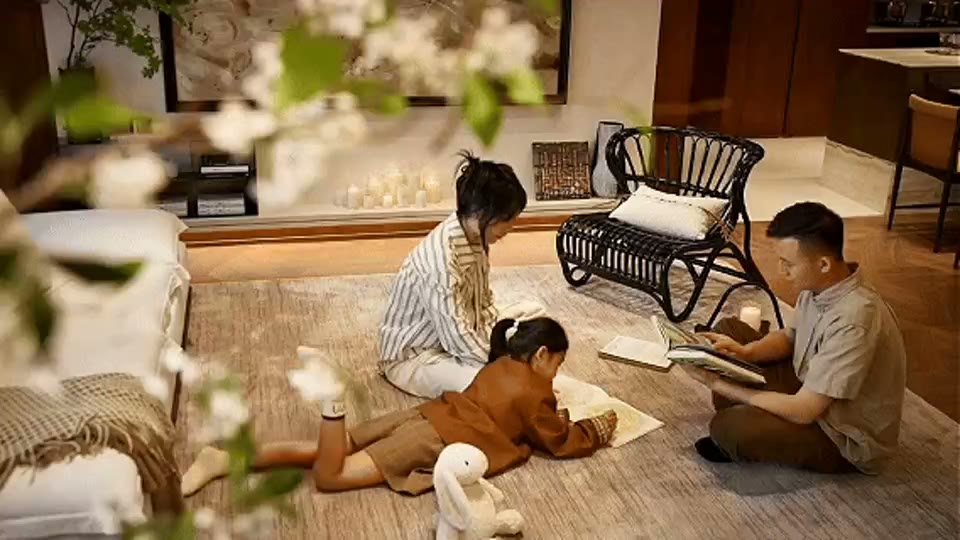
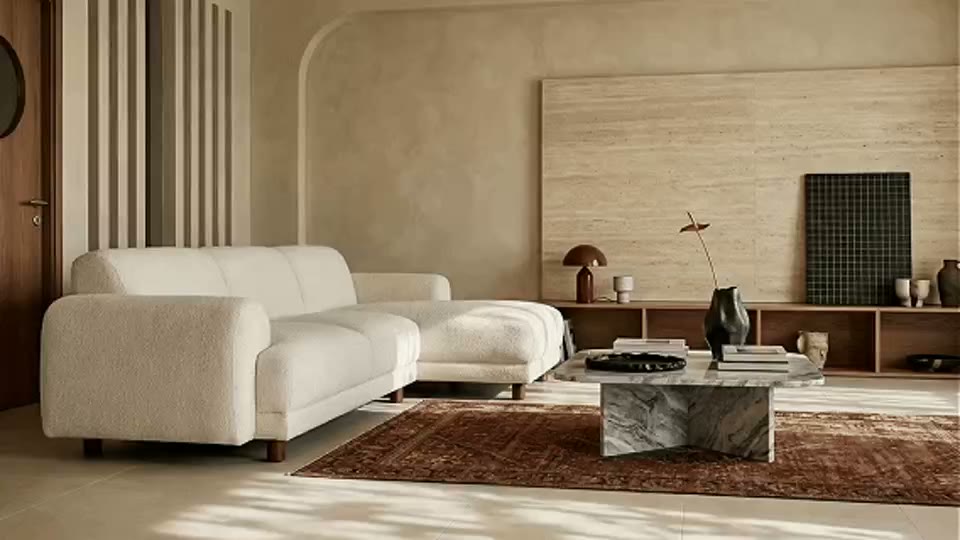
Decision supported
Compare character placement, shot scale, and spatial story rhythm before video generation, then select frames worth animating.

ARK AI DESIGN SKILL · character interior storyboard
Compare character placement, shot scale, and spatial story rhythm before video generation, then select frames worth animating.
The demo could not be loaded. The preview and page remain available.
Capability
Compare character placement, shot scale, and spatial story rhythm before video generation, then select frames worth animating.
The model uses scene perspective and the optional character reference, but identity, clothing detail, spatial geometry, and continuity can drift between panels. The storyboard supports shot exploration; it is not a finished video, proof of continuous action, performer consent, or exact spatial previsualization.
Compare character placement, shot scale, and spatial story rhythm before video generation, then select frames worth animating.
The model uses scene perspective and the optional character reference, but identity, clothing detail, spatial geometry, and continuity can drift between panels.
The space-scene image is required, the character reference is optional, and the production storyboard grid controls the layout.
The storyboard supports shot exploration; it is not a finished video, proof of continuous action, performer consent, or exact spatial previsualization.
Prepare the input
Clear source material and an explicit design objective give the model better evidence to work from. Use these checks before generation.
one space-scene image and an optional character reference Use a scene with clear perspective; when specifying a character, provide an unobstructed full-body reference with a compatible viewpoint.
Space scene image, Character reference image (optional), Storyboard grid
The space-scene image is required, the character reference is optional, and the production storyboard grid controls the layout.
The storyboard supports shot exploration; it is not a finished video, proof of continuous action, performer consent, or exact spatial previsualization.
How to use
Keep the first pass exploratory, compare alternatives, then carry the selected direction into the rest of the project.
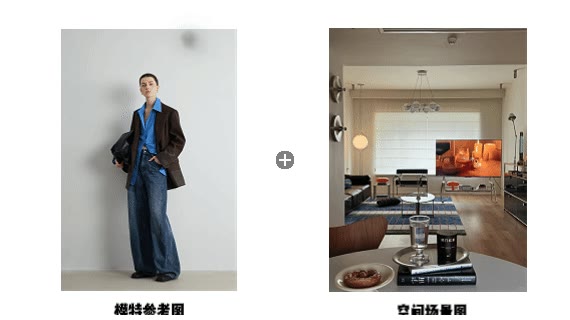
Use a scene with clear perspective; when specifying a character, provide an unobstructed full-body reference with a compatible viewpoint. Prepare these inputs: Space scene image, Character reference image (optional). Include optional inputs when needed.
Set Storyboard grid for this task, then confirm before generating.
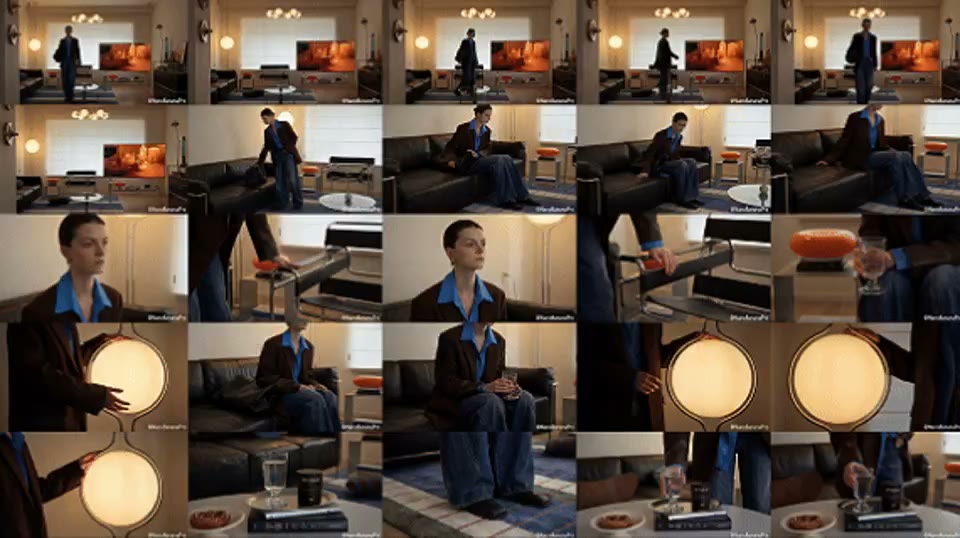
The space-scene image is required, the character reference is optional, and the production storyboard grid controls the layout. a grid storyboard showing character-space interaction The storyboard supports shot exploration; it is not a finished video, proof of continuous action, performer consent, or exact spatial previsualization.
Official skill demo
This example is published for this exact skill. It is shown as one complete official reference, not as an independently verified input/output pair or a promised result for your upload.
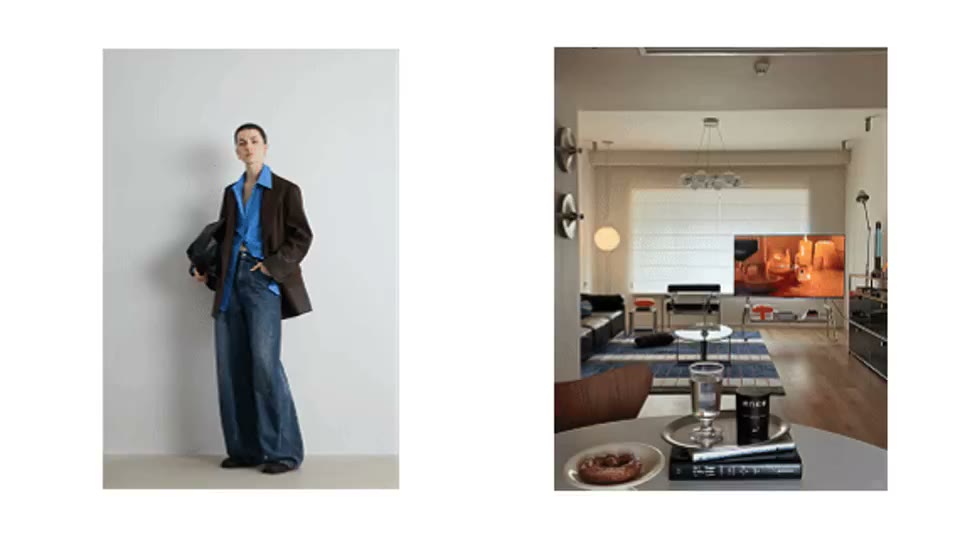
What the AI reads
The model uses scene perspective and the optional character reference, but identity, clothing detail, spatial geometry, and continuity can drift between panels.
The storyboard supports shot exploration; it is not a finished video, proof of continuous action, performer consent, or exact spatial previsualization.
Practical guidance
Use a scene with clear perspective; when specifying a character, provide an unobstructed full-body reference with a compatible viewpoint.
Space scene image, Character reference image (optional), Storyboard grid
Compare character placement, shot scale, and spatial story rhythm before video generation, then select frames worth animating.
The storyboard supports shot exploration; it is not a finished video, proof of continuous action, performer consent, or exact spatial previsualization.
Where it helps
Use a grid storyboard showing character-space interaction to support interior film planning while retaining the stated review boundary.
Use a grid storyboard showing character-space interaction to support character movement discussions while retaining the stated review boundary.
Use a grid storyboard showing character-space interaction to support spatial story proposals while retaining the stated review boundary.
Use a grid storyboard showing character-space interaction to support frame selection for ai video while retaining the stated review boundary.
Workflow comparison
AI speeds up visual exploration, while established professional workflows remain responsible for verified facts and final delivery.
| Decision point | AI Character Interior Storyboard | Conventional workflow |
|---|---|---|
| Input | one space-scene image and an optional character reference | Verified project files and production data |
| Iteration | Generate and compare a visual direction quickly | Build and revise each option through the relevant specialist workflow |
| Evidence | The model uses scene perspective and the optional character reference, but identity, clothing detail, spatial geometry, and continuity can drift between panels. | Dimensions, specifications, source files, and professional review |
| Output role | a grid storyboard showing character-space interaction | A verified deliverable for approval or production |
The storyboard supports shot exploration; it is not a finished video, proof of continuous action, performer consent, or exact spatial previsualization.
FAQ
one space-scene image and an optional character reference Use a scene with clear perspective; when specifying a character, provide an unobstructed full-body reference with a compatible viewpoint.
Space scene image, Character reference image (optional), Storyboard grid
This section uses the production skill’s official demo and official cover to explain the interaction and capability range. The cover is not a user-uploaded source and the media is not presented as a strictly matched before-and-after pair.
The storyboard supports shot exploration; it is not a finished video, proof of continuous action, performer consent, or exact spatial previsualization.
Ark AI
Start with real project material, compare a few directions, and keep developing the selected result in the Ark AI canvas.