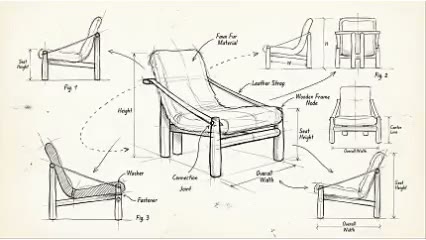
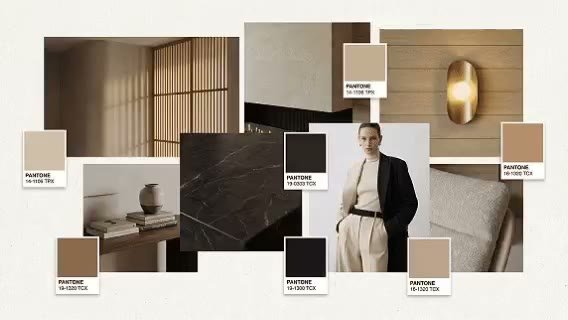
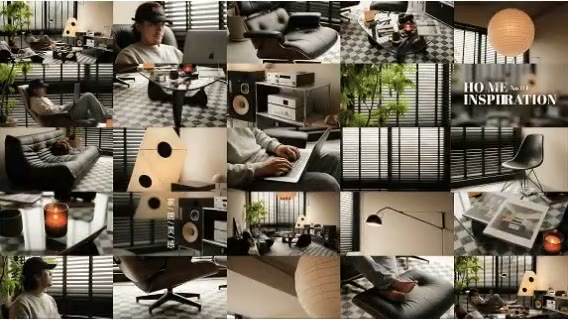
Expand one asset into many contexts
Develop lifestyle scenes for different audiences, channels, seasons, and regions.

ARK AI DESIGN SKILL · AI product lifestyle scene generator
Start with one clean product image and explore residential, hospitality, outdoor, seasonal, and region-specific scenes for furniture, lighting, appliances, and home materials.
The demo could not be loaded. The preview and page remain available.
Capability
An AI product lifestyle scene generator treats a clean packshot as the core asset. It reads visible silhouette, material, color, proportion, and grounding, then builds an environment, lighting, people, behavior, and composition around the intended audience and brand voice. The goal is to move beyond isolated product display and show why the product matters in a recognizable use context.
Furniture, lighting, appliance, and material brands can explore residential styles, seasons, regions, platforms, and campaign ideas before rendering or photography. Generated images may alter details, proportions, controls, packaging, text, and marks. Product, legal, and brand teams must review every public asset for accuracy, rights, and advertising compliance.
Develop lifestyle scenes for different audiences, channels, seasons, and regions.
Compare composition, people, color, light, and brand atmosphere before production.
Create a credible starting point for product, channel, event, and localization variants.
Connect features with behavior and a real setting rather than abstract marketing adjectives.
Prepare the input
Clear source material and an explicit design objective give the model better evidence to work from. Use these checks before generation.
Keep edges, base, materials, controls, and key design features visible.
Include tone, target user, price perception, and channel rather than only a style label.
State where the product is, who uses it, what happens, and which value the scene should communicate.
Keep dimensions, structure, finish, controls, logos, and approved claims for review.
How to use
Keep the first pass exploratory, compare alternatives, then carry the selected direction into the rest of the project.
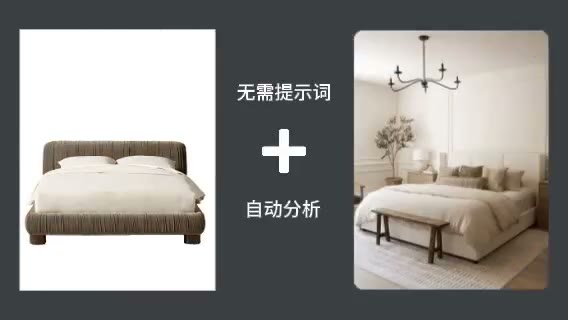
Also prepare:Upload Style Reference Image
Choose a clean high-resolution view that communicates the complete product. Prepare these inputs: Upload Product Image, Upload Style Reference Image. Include optional inputs when needed.
Set Size Ratio for this task, then confirm before generating.

Review product prominence, proportion, narrative, negative space, and channel fit. Refine the asset, then complete product, rights, legal, and platform review.
Official skill demo
This example is published for this exact skill. It is shown as one complete official reference, not as an independently verified input/output pair or a promised result for your upload.
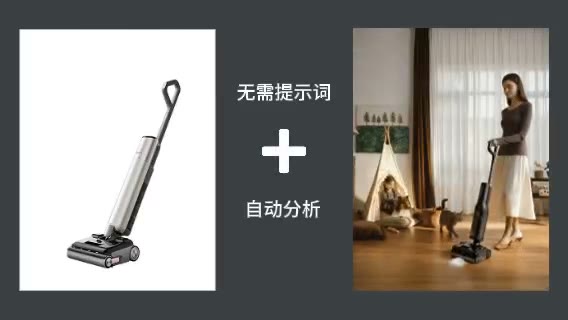
What the AI reads
The model infers the product from visible edges, surface, highlights, and shadow. Back, internal, and hidden information in a single view is not known.
Before publication, compare the image against the actual product and complete brand, trademark, model, location, copyright, claim, and platform checks.
Practical guidance
Hero banners, detail pages, paid ads, social posts, and seasonal posters need different compositions.
A person using, touching, storing, or interacting with the product communicates more than a vague adjective.
List the outline, material, control, base, or construction details that must remain accurate.
Specify aspect ratio, product position, and negative space before generation.
Where it helps
Explore hero visuals and lifestyle directions from an approved packshot.
Compare scenes built around different benefits and audiences.
Create long-tail ideas around culture, climate, event, and channel.
Align location, props, people, camera, and palette before production.
Workflow comparison
AI is efficient for concept testing and long-tail variants. Controlled 3D and photography provide exact product assets, repeatability, and commercial production quality.
| Decision point | AI Product Lifestyle Scene Generator | Conventional workflow |
|---|---|---|
| Starting assets | A packshot and campaign brief can begin exploration | Needs model or sample, location, set, and production team |
| Variant speed | Rapidly tests scenes, audiences, and formats | Each change requires a new render or production setup |
| Product accuracy | Visible evidence guides an image that may drift | Uses a controlled 3D asset or the real product |
| Best use | Concepts, briefs, testing, and long-tail content | Hero campaigns, core assets, and precise product display |
Use AI to screen ideas and extend long-tail content. Reserve controlled rendering or photography for core assets and high-risk product claims.
FAQ
No, but a clean background, complete edges, and high resolution improve product separation.
Yes. Describe identity, action, gaze, and product interaction, then check scale and plausibility.
There is no guarantee. Visible identity often remains, but hidden details, controls, proportion, and marks may change.
Not without review. Check product, rights, people, location, claims, text, brand, and platform requirements.
Ark AI
Start with real project material, compare a few directions, and keep developing the selected result in the Ark AI canvas.