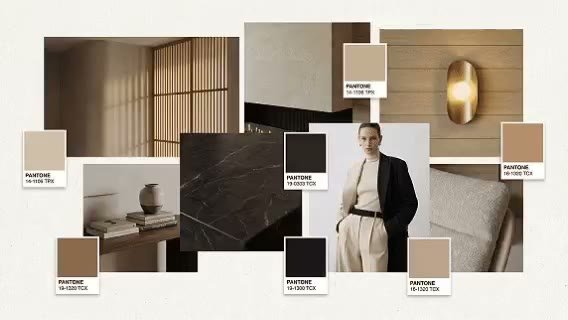
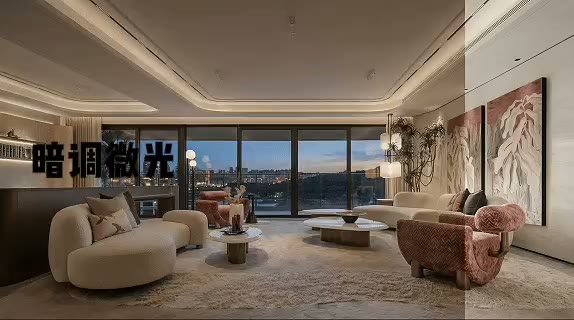
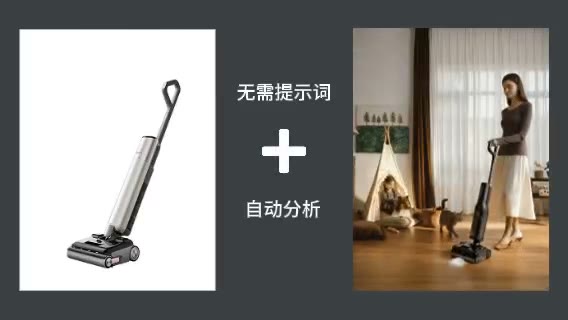
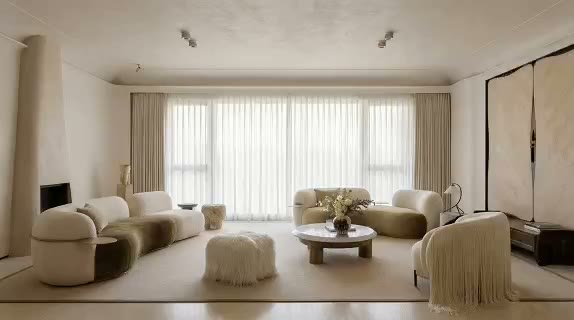
Show experience, not only appearance
Use arrival, pause, interaction, and detail shots to reveal how the design supports behavior.

ARK AI DESIGN SKILL · AI storyboard scene design
Explore establishing shots, human-scale moments, material details, interactions, and light transitions around an existing design language so a static space becomes a story.
The demo could not be loaded. The preview and page remain available.
Capability
AI storyboard scene design begins with one spatial hero image and develops a series of viewpoints around design features, human actions, and a narrative goal. Rather than simply repeating the same composition, it explores shot scale, sequence, movement, interaction, detail, and light so an audience can understand how a place is entered, used, and remembered.
Interior designers can make proposals more experiential, while hospitality, retail, exhibition, and brand teams can previsualize campaign or film ideas. The output is a concept storyboard. Geometry behind the original camera, character identity, products, and furniture may not remain fully consistent across generated frames without selection, image editing, or controlled 3D production.
Use arrival, pause, interaction, and detail shots to reveal how the design supports behavior.
Balance establishing views, human-scale scenes, and close details around one story.
Test people, framing, product presence, and light before committing to a shoot or animation.
Sequential scenes make hospitality, retail, exhibition, and residential proposals more immersive.
Prepare the input
Clear source material and an explicit design objective give the model better evidence to work from. Use these checks before generation.
The spatial structure, material language, and key design features should be clearly readable.
State whether the sequence explains circulation, guest experience, an event, a product, or a time transition.
Specify who appears, what they do, and how that behavior relates to the space.
Identify furniture, signage, products, clothing, or architectural features that should repeat.
How to use
Keep the first pass exploratory, compare alternatives, then carry the selected direction into the rest of the project.
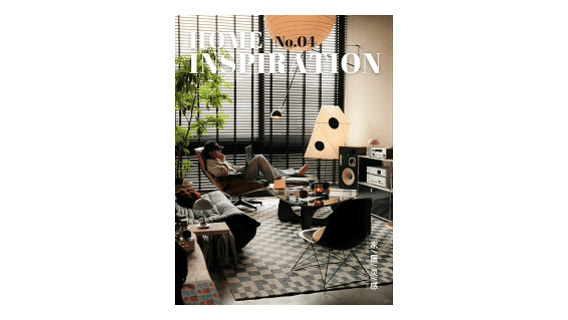
Select the view that best establishes the design language and main spatial relationship. Prepare these inputs: Space Scene Image. Include optional inputs when needed.
Set Storyboard Grid for this task, then confirm before generating.
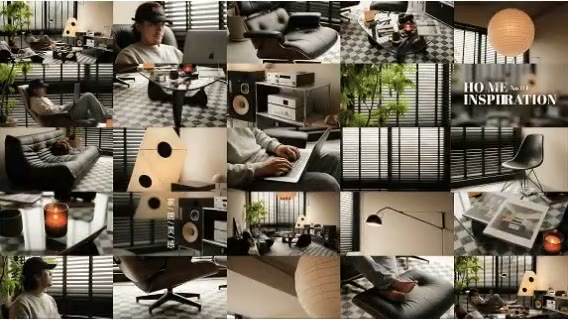
Select wide, medium, close, and detail views that form a clear visual progression. Correct people, products, composition, and notes so the board can guide the next production stage.
Official skill demo
This example is published for this exact skill. It is shown as one complete official reference, not as an independently verified input/output pair or a promised result for your upload.
What the AI reads
The model reads room type, furniture, material, composition, and human cues, then imagines additional shots. Any region not visible in the source is inferred rather than recovered.
Treat the output as a concept storyboard. Directors, designers, or 3D teams should standardize characters, assets, geometry, cameras, timing, and continuity before production.
Practical guidance
For example: a guest enters, discovers a product, pauses, and meets someone at the bar.
Establish a clear action before adding crowds, secondary stories, and more complex interaction.
Use each shot to orient, show activity, reveal a product, emphasize material, or change mood.
A product, furniture piece, sign, or color helps the viewer connect different viewpoints.
Where it helps
Show how people enter, move, pause, and interact with the design.
Previsualize guest journeys, events, service moments, and product encounters.
Establish scenes, people, product presence, and atmosphere before production.
Extend one hero visual into a coherent series for publishing.
Workflow comparison
AI rapidly generates shot possibilities. Conventional storyboarding and 3D previsualization provide camera accuracy, asset continuity, timing, and production feasibility.
| Decision point | AI Storyboard Scene Design | Conventional workflow |
|---|---|---|
| Starting material | One hero image and a narrative goal can begin | Usually requires script, location, assets, and shot planning |
| Shot exploration | Rapidly tests framing, people, and light | Each shot is deliberately drawn, staged, or modeled |
| Continuity | Maintains direction while details may drift | Controls character, asset, and spatial relationships |
| Deliverable role | Concept board, proposal, and creative brief | Shot list, previsualization, and production planning |
Use AI to find an emotionally convincing sequence, then standardize continuity and production parameters with the appropriate creative team.
FAQ
It can suggest one, but unseen geometry is inferred. Provide multiple views or a model when spatial accuracy matters.
Clear character descriptions and careful selection help, but formal content often needs controlled assets or post-production.
They are useful as keyframes and a visual brief. Motion, timing, continuity, sound, rights, and editing still require production.
Use one story line, common atmosphere, continuity anchors, and a clear purpose for every shot.
Ark AI
Start with real project material, compare a few directions, and keep developing the selected result in the Ark AI canvas.