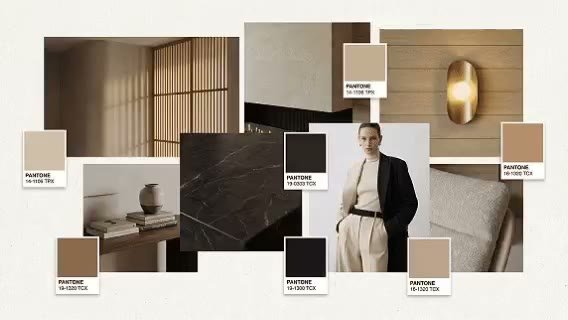
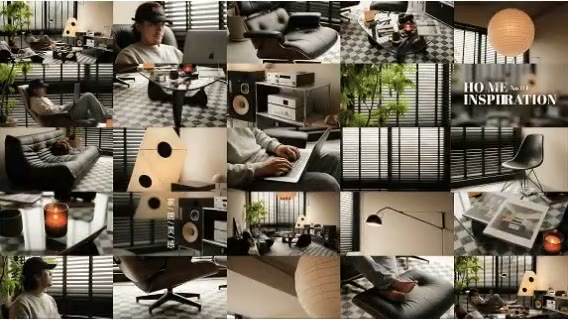
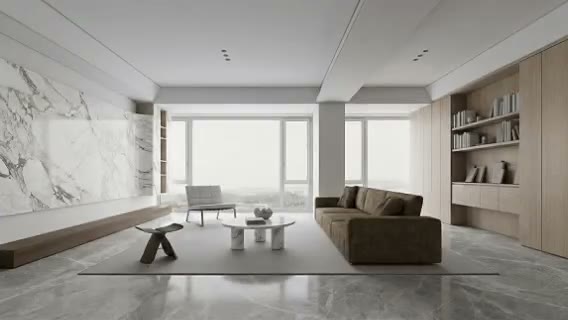
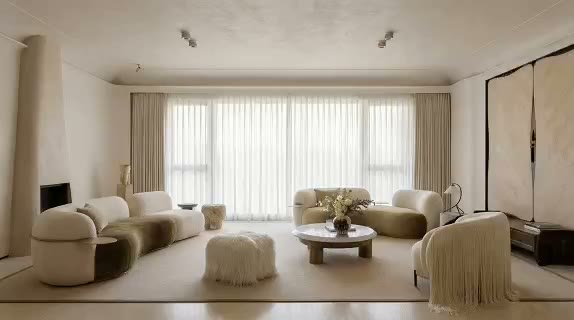
Review experience across the day
Compare daylight, artificial light, and dark-zone readability around the same design.

ARK AI DESIGN SKILL · AI interior atmosphere variation
Preserve the core design while exploring morning daylight, warm dusk, night lighting, changing weather, and seasonal context so one project communicates a fuller experience over time.
The demo could not be loaded. The preview and page remain available.
Capability
AI interior atmosphere variation changes daylight direction, color temperature, sky condition, luminaire state, and seasonal cues while attempting to preserve the core space, materials, and furniture. It lets a team compare morning, afternoon, dusk, night, or seasonal experiences instead of relying on one idealized hero moment.
Residential teams can discuss daily use, while hospitality, retail, development, and outdoor brands can build richer visual narratives. The result is atmospheric imagery, not a physical calculation. It does not know the exact geographic location, orientation, sun path, luminaire photometry, reflectance, or controls needed for technical lighting and daylight decisions.
Compare daylight, artificial light, and dark-zone readability around the same design.
Warmth, contrast, weather, and season can give identical materials a different character.
Create day, night, and seasonal series for hospitality, residential, retail, or outdoor products.
Communicate desired hierarchy and mood before technical fixture selection and simulation.
Prepare the input
Clear source material and an explicit design objective give the model better evidence to work from. Use these checks before generation.
Keep structure, materials, and primary furniture clear so the main variable is atmosphere.
“Overcast winter afternoon” is more actionable than a generic request for mood.
Identify lights, furniture, signage, products, and materials that should not disappear.
Prepare model, orientation, material, and luminaire data when performance must be calculated.
How to use
Keep the first pass exploratory, compare alternatives, then carry the selected direction into the rest of the project.
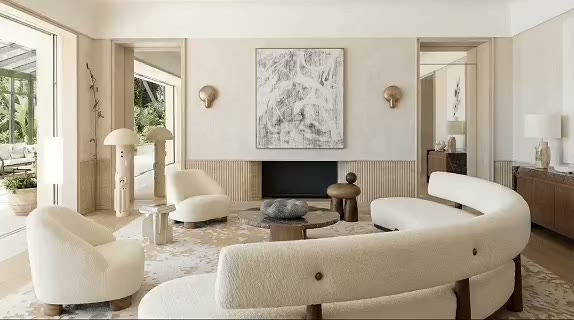
Also prepare:Atmosphere reference (optional)
Choose a clear, moderately graded image where primary light sources can be understood. Prepare these inputs: Upload space image, Atmosphere reference (optional). Include optional inputs when needed.
Set Space Atmosphere for this task, then confirm before generating.
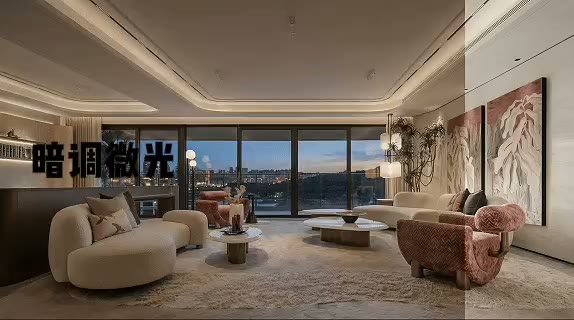
Check spatial continuity, material stability, window context, highlights, and dark-zone readability. Use the selected direction for lighting briefs, storyboards, or campaigns, then verify performance separately.
Official skill demo
This example is published for this exact skill. It is shown as one complete official reference, not as an independently verified input/output pair or a promised result for your upload.
What the AI reads
The model reads windows, visible luminaires, existing shadow, material reflectance, and exterior context. It does not receive the real orientation, location, or lighting files from one image.
Use the output for proposals, storyboards, and creative direction. Daylight, lighting design, energy, and code decisions require an accurate model, geographic data, material properties, and luminaire files.
Practical guidance
“Clear autumn day at 5:30 pm with low warm sun” produces a more testable direction than “sunset mood.”
Change time or weather without also changing furniture and materials, so the comparison stays meaningful.
A bedroom at night, dinner service, and a retail closing scene need different visual priorities.
Describe accent, ambient, and dark-zone detail rather than simply making the image darker.
Where it helps
Compare morning routines, evening use, and rest conditions.
Use dusk and night to communicate destination and service atmosphere.
Build spring, summer, autumn, and winter visual series.
Align on color temperature, hierarchy, and focus before technical selection.
Workflow comparison
AI answers how the project might feel. Physical daylight and lighting tools answer what will happen under defined real-world conditions.
| Decision point | AI Interior Atmosphere Variation | Conventional workflow |
|---|---|---|
| Required input | One spatial image and an atmosphere brief | Model, orientation, materials, and luminaire data |
| Iteration speed | Quickly compares times, weather, and seasons | Requires scene setup and physical calculation |
| Result type | Visual concept and emotional communication | Quantified daylight, illuminance, and glare performance |
| Decision stage | Proposal, marketing, storyboard, and intent | Performance, fixture selection, and compliance |
Use AI to define the desired time and emotion, then give that target to lighting and architectural teams for technical validation.
FAQ
Yes. Review whether light sources, materials, and geometry remain consistent with the original.
No. The image does not provide exact location, orientation, date, time, material, or weather data.
Yes through exterior, weather, color, and natural cues, but the project’s real ecology and climate need separate consideration.
Use the same base image, list fixed elements, and change only time, weather, season, or color temperature in each comparison.
Ark AI
Start with real project material, compare a few directions, and keep developing the selected result in the Ark AI canvas.